CHEXX Mobile: PWA, iOS, Android and Telegram
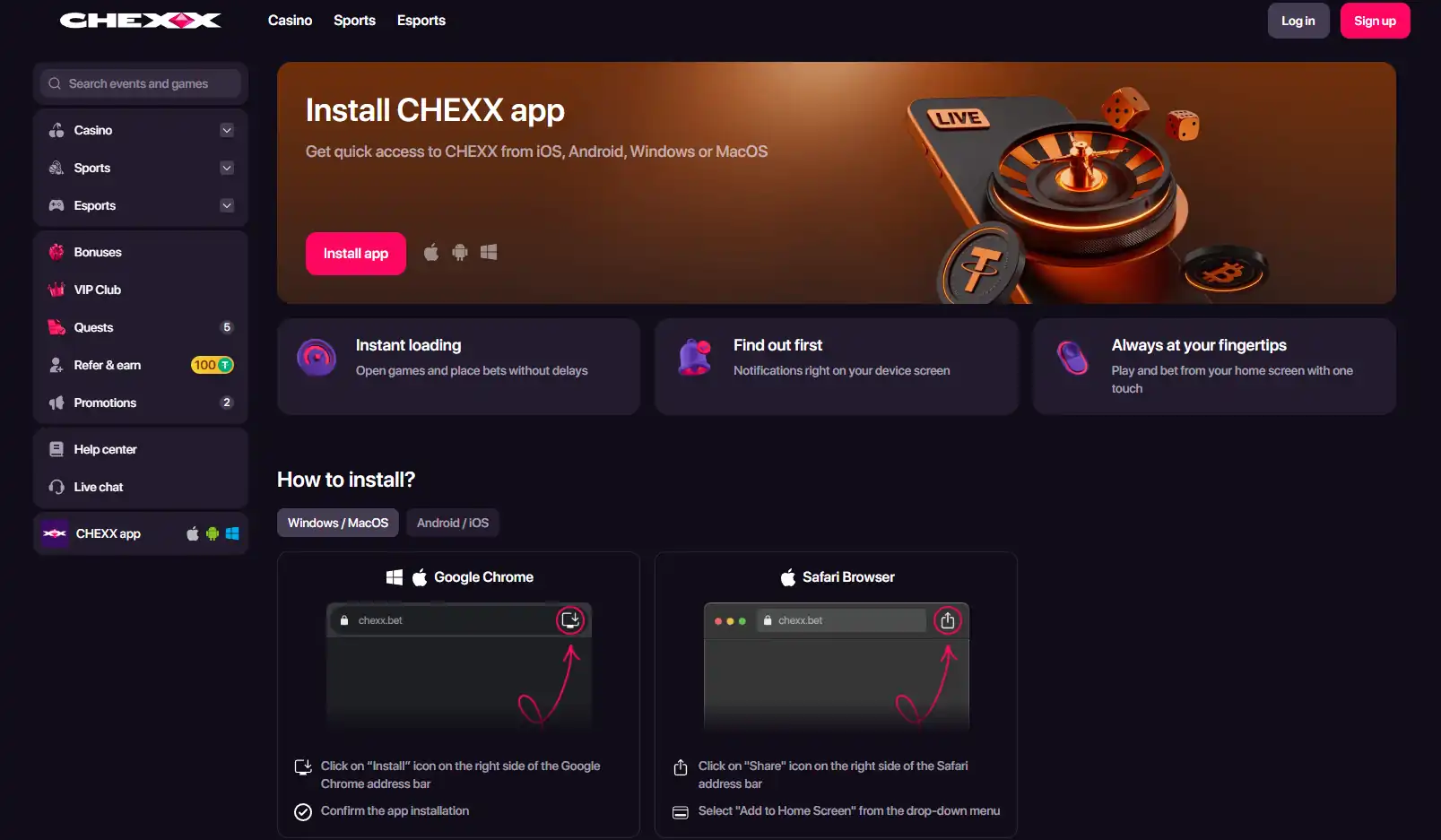
CHEXX uses an installable progressive web app, or PWA, rather than a conventional native casino app distributed through Google Play or the Apple App Store. The official PWA page provides installation routes for Android, iOS, Windows and macOS, while CHEXX also offers Telegram Mini App access through @ChexxBetBot. The regular browser site remains fully functional, so installing anything is optional.
For a player in Kenya, the practical choice is therefore between three access styles: use the normal CHEXX website in a browser, install the PWA from a supported browser for home-screen access, or use the documented Telegram route. The underlying CHEXX account can cover casino, sportsbook and esports activity, so the mobile choice is mainly about how you open the platform, not about choosing a separate product.
An account comes first: registration.
Table of Contents
- What the CHEXX app actually is
- Device and browser routes shown by CHEXX
- How the installation flow works
- Telegram Mini App access
- Which CHEXX mobile option makes the most sense?
- Mobile access and payments in Kenya
- Safety checks before installing or signing in
- What the mobile setup does not change
- Use CHEXX mobile through its official web and PWA routes
What the CHEXX app actually is
The word “app” can be confusing here. CHEXX presents an app experience, but the documented installation method is a PWA. That means the installation starts from the CHEXX website in a compatible browser rather than from a conventional casino listing in an app store. Once added, the PWA gives a direct launch point from the device rather than requiring the user to navigate back to the site each time.
This distinction matters because an app-store search for the CHEXX name is not a reliable way to identify the official gambling product. CHEXX’s current mobile information does not list a native Google Play or Apple App Store casino app. If an unrelated store listing uses a similar name, that alone does not make it an official CHEXX client. The safer route is to begin from the official CHEXX website and follow its own PWA installation path.
The PWA does not create a second account. CHEXX combines casino, sportsbook and esports access in one account, so the same account relationship is used whether you enter through the browser, the installed PWA or the documented Telegram access route. Questions about creating that account belong in the CHEXX registration.
Device and browser routes shown by CHEXX
The current official PWA page says CHEXX can be installed for iOS, Android, Windows and macOS. Its installation section separates desktop and mobile flows and identifies browser-specific instructions. The page shows Google Chrome instructions, Safari instructions and FAQ entries for Android via Chrome, Android via Samsung Internet, iOS via Chrome, iOS via Safari, Windows via Chrome, macOS via Chrome and macOS via Safari.

| Device | Documented route | Practical choice |
|---|---|---|
| Android phone or tablet | PWA instructions include Chrome and Samsung Internet flows. | Open the official PWA page in the browser you actually use, then follow the matching installation instruction. |
| iPhone or iPad | PWA instructions include Chrome and Safari flows. | Use the official browser-specific guidance rather than searching the App Store for a native CHEXX casino app. |
| Windows | The official guide includes a Chrome installation flow. | Useful when you want a direct desktop launch point but still want the web-based CHEXX product. |
| macOS | The official guide includes Chrome and Safari installation flows. | Choose the instructions that match the browser on the Mac. |
| Any supported browser | The normal CHEXX website remains available without installation. | Best if you do not want an installed shortcut or want to test the platform before adding it to the device. |
How the installation flow works
CHEXX’s current PWA guide gives a simple browser-led process. On Chrome, it directs the user to use the install icon in the address bar and confirm the installation. On Safari, it directs the user to use the Share control and select “Add to Home Screen”. The exact control placement can differ by device and browser version, so the official PWA page should be the reference if the menu shown on a phone differs from a remembered walkthrough.
A sensible sequence is to open the official CHEXX site first, navigate to its PWA page, select the instructions for the current operating system and browser, and only then install. This avoids relying on old third-party images or app-store listings that may not represent the official CHEXX product.
Installation is not necessary for access. If the browser experience suits you, the fully functional website remains the simplest option. The PWA is mainly useful for people who prefer a home-screen or desktop launch point and the device-level notification features described on the official installation page.
Telegram Mini App access
CHEXX also records a Telegram Mini App route through @ChexxBetBot. This is a separate access method from the PWA, not a substitute browser installer. It is relevant for users who already use Telegram and want a direct route inside that environment.
The same authenticity rule applies. Start from the official CHEXX route rather than selecting a similarly named bot from search results without verification. A username that looks close to the official handle is not enough on its own. The currently documented handle is @ChexxBetBot.
Telegram access should also not be confused with account setup. CHEXX supports registration routes that include Telegram, but the details of sign-up, account recovery and verification are covered separately in the account setup guide.
The full picture is in our CHEXX review for Kenya.
Which CHEXX mobile option makes the most sense?
Use the browser if you want the least setup.
The regular CHEXX website is fully functional, so there is no need to install the PWA before checking the casino, sports or account areas.
Use the PWA if you want a direct device launch point.
The official installation flow covers Android, iOS, Windows and macOS. It keeps the CHEXX experience tied to the official web product instead of a separate native-store download.
Use Telegram if that is already part of your routine.
The documented Mini App provides another official access route, while account and payment rules remain part of the same CHEXX service.
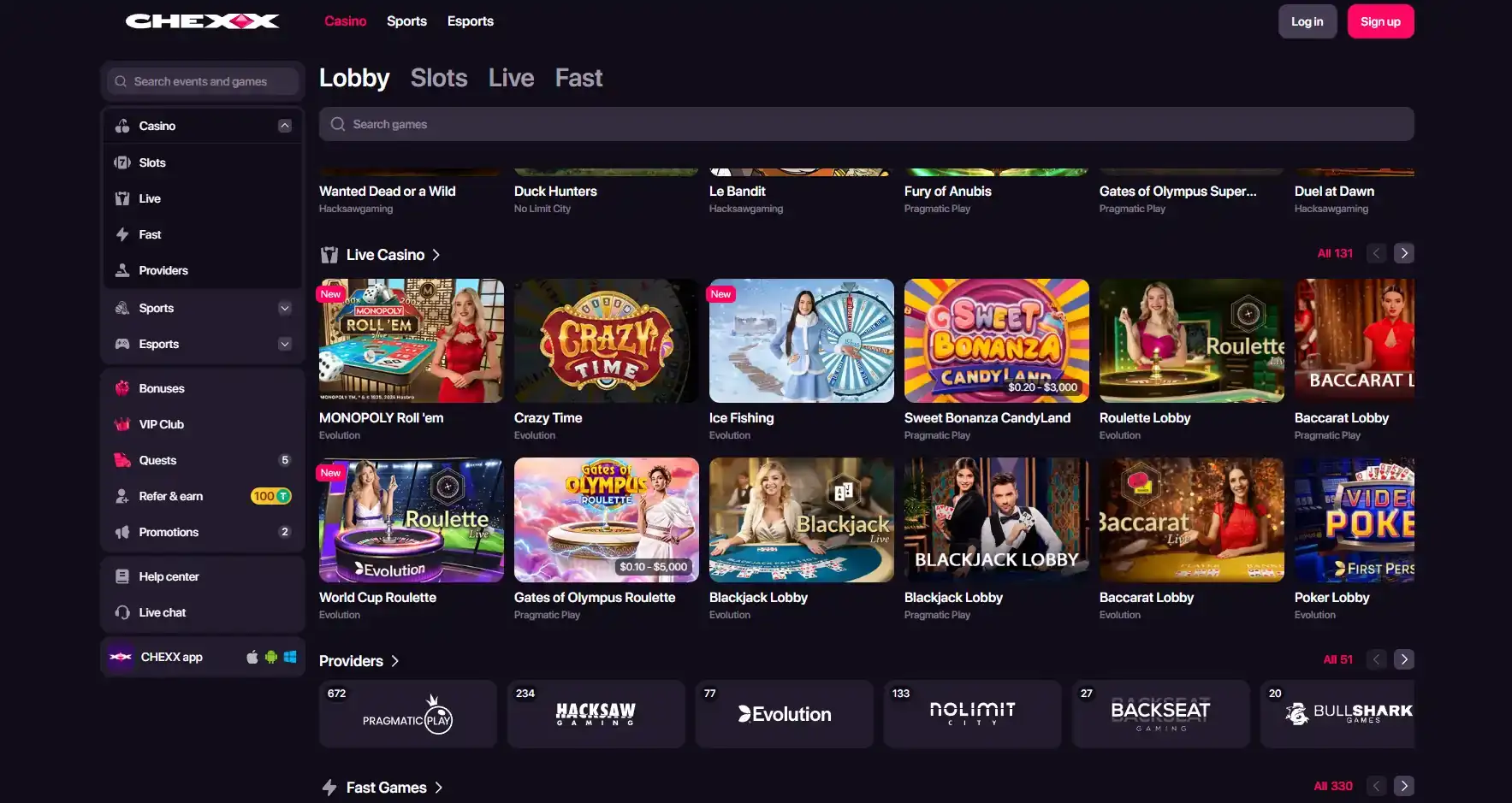
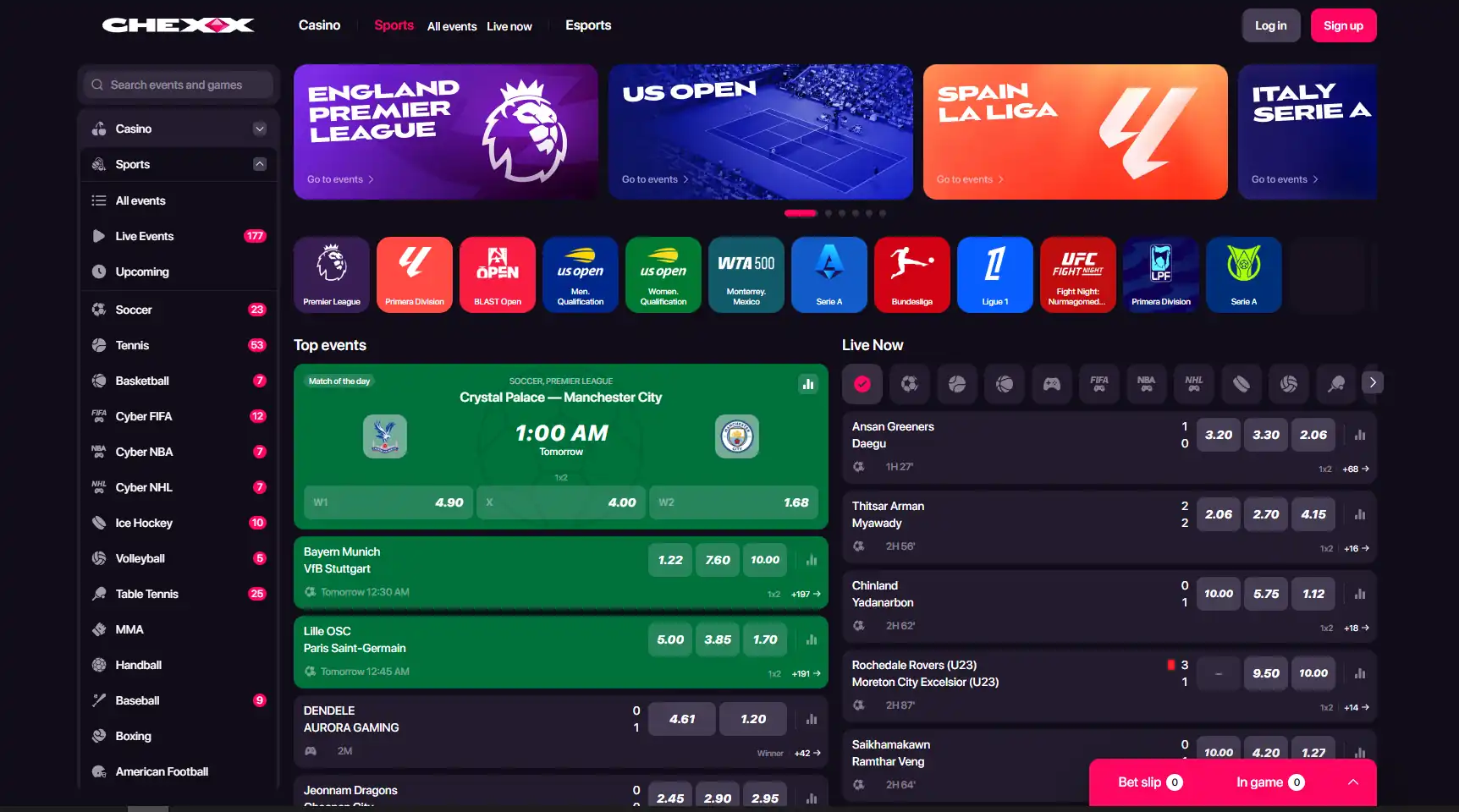
For readers deciding what to do after opening CHEXX on a phone, the next useful question is usually not about the app itself. It is whether the game catalogue, betting product or funding model fits your needs. The CHEXX games covers the casino library, while the CHEXX sportsbook covers sports and esports betting.
Mobile access and payments in Kenya
Using CHEXX on a phone does not change the payment system described for the account. CHEXX’s current payment setup is crypto-centric and does not list a KES fiat deposit rail. A familiar mobile payment habit in Kenya therefore should not be treated as evidence that the same method appears in the CHEXX cashier.
That distinction is especially important on mobile, where the device can make different services feel connected simply because they are all used from one screen. The access channel and the funding rail are separate questions. Check the CHEXX payments for supported funding categories before moving money, rather than assuming a local mobile-money method is supported because you are using a Kenyan phone.
Safety checks before installing or signing in
- Begin from the official CHEXX website and its PWA page.
- Match the installation instructions to the browser and operating system shown on your device.
- Do not treat an unrelated Google Play or Apple App Store listing with a similar name as proof of an official CHEXX casino app.
- For Telegram, use the documented CHEXX route and verify the handle before entering account information.
- Keep registration, KYC and payment decisions separate from the installation choice. Installing a PWA does not answer those account-level questions.
What the mobile setup does not change
The device route changes convenience, not the core CHEXX product. Installation does not create a separate account. Casino access still leads into the same game environment, and sports access still leads into the same betting product. The PWA does not create a special Kenyan edition, a separate wallet or a different set of account rules. English-language CHEXX help content is available, but CHEXX does not currently list a Kenya-specific localized version.
This is why the safest evaluation order is simple: choose the official access route first, then evaluate the actual product area you plan to use. If the priority is slots or live casino, continue to the game library. If it is match betting or esports, use the sports and esports guide. If the next step is funding the account, go to crypto payments. If you have not created an account yet, read the registration guide for current account rules.
For the broader overview, see the CHEXX Kenya review.
Use CHEXX mobile through its official web and PWA routes
CHEXX’s mobile strategy is PWA-first. The official installation page covers Android, iOS, Windows and macOS, and the brand also documents Telegram Mini App access. There is no need to search for a conventional native casino app before using CHEXX, because the browser site itself remains functional and the PWA is installed from the official web route.
For a Kenya-focused reader, the main practical safeguard is to keep access, registration and payments separate. Use the official CHEXX route for installation, verify the Telegram route before signing in, and do not infer local payment support from the fact that the product works on a phone.
 StarburstNetEnt
 Wanted Dead or a WildHacksaw Gaming
 Lollipop Drop MultiMaxBulletproof Games
 Hercules Power WildFugaso
 Strength of HerculesHacksaw Gaming
 Sweet BonbonellaSwintt
 Rich WorldAmusnet
 Maneki FortunesSkywind Group
 Fuzzy WuzzyPoggiPlay
 Wong ChoySpadegaming
 Gates of OlympusPragmatic Play
 Mystic Fortune DeluxeHabanero
 Money Train 3Relax Gaming
 Sweet FTNGameArt
 Premier Blackjack with Side BetsSide Bet
 Double Exposure BlackjackDouble Exposure
 Perfect Pairs BlackjackSide Bet
 Atlantic City BlackjackClassic
 Vegas Downtown Blackjack GoldGold Series
 Ultimate Blackjack with RachaelLive-style
 Blackjack Lucky LadiesSide Bet
 Quantum Blackjack PlusMultiplier
 Blackjack Surrender OriginsSurrender
 VIP American BlackjackVIP
 Turbo BlackjackFast-play
 Classic BlackjackClassic
 Single Deck Blackjack GoldSingle Deck
 American BlackjackClassic
 European BlackjackMultihand
 Lucky RouletteClassic
 Monopoly Roulette TycoonThemed
 Multifire RouletteMultiplier
 Double Ball American RouletteDouble Ball
 Who Wants to Be a Millionaire RouletteThemed
 Quantum RouletteMultiplier
 Mini Roulette 3DMini
 American RouletteClassic
 RouletteRelax Gaming
 Immortal Romance RouletteThemed
 Auto RouletteSwitch Studios
 European RouletteClassic
 French RouletteNetEnt
 Dragon RouletteThemed
 Roca Riches RouletteThemed
Created by the ”Chexx Casino” editorial team.